
How to Start a Podcast (A Producer's Guide)
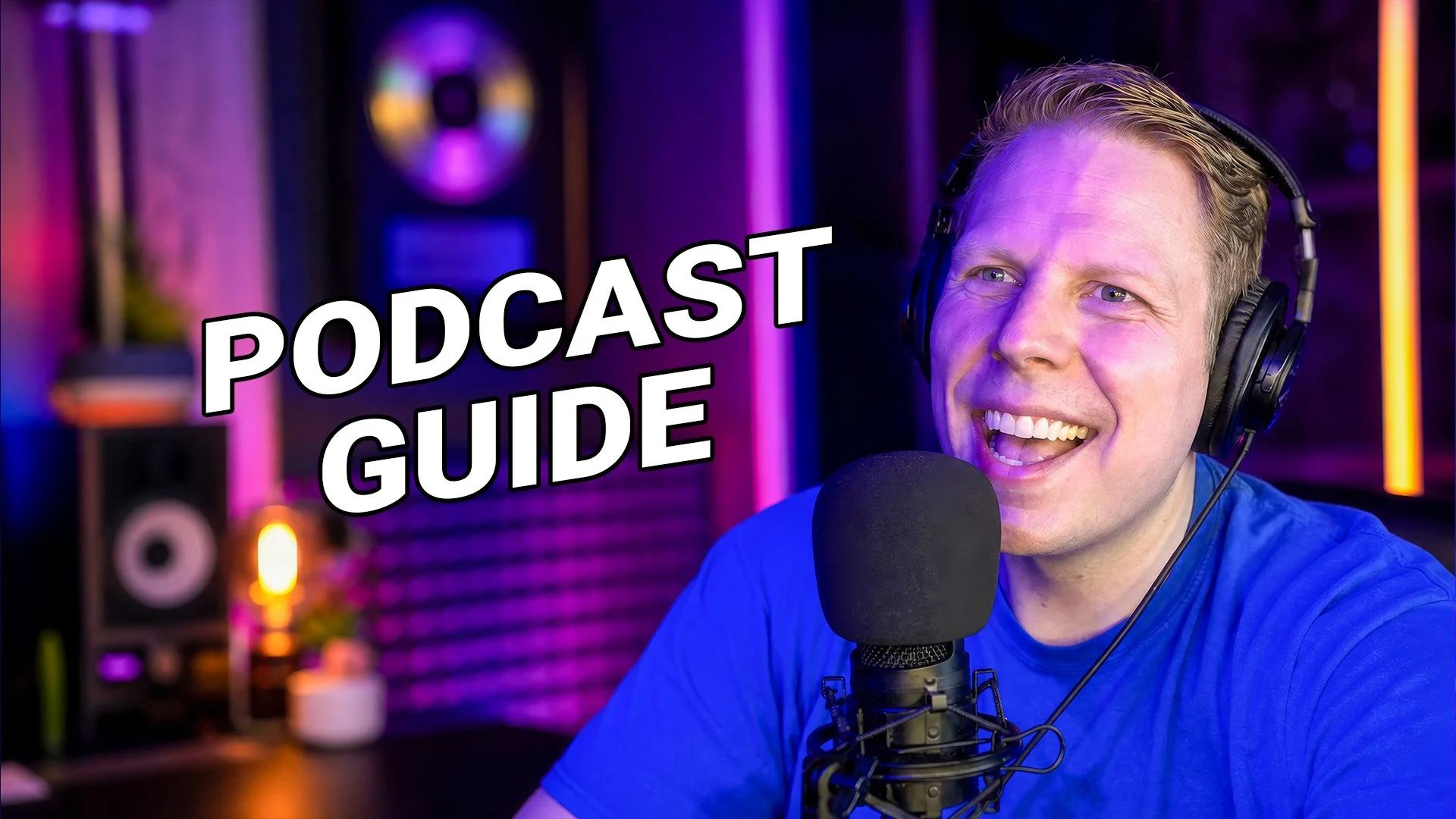
What equipment do you actually need to start a podcast?
To start a podcast, you only need a basic microphone and a reliable hosting platform, not complex, expensive equipment. Begin by learning the fundamentals of editing, uploading, scheduling, and managing RSS feeds before you invest heavily in high-end gear.
A lot of people put too much time and money into the tech of the podcast before they even get started. They will just buy what they see other professional podcasters using without fully understanding the process of producing a show. By adding on complex, expensive equipment, you are adding another steep learning curve on top of everything else you have to manage before you can even post your first episode.
As a Chicago-based producer with over 15 years of multimedia experience, my advice is to start off with basic equipment. Once you have your RSS feeds up and running and you've scheduled multiple episodes, then you can focus on adding better gear as the podcast goes on.
Where is the best place to record a podcast?
The best place to record a podcast is a small-to-medium room filled with soft furniture or a closet full of clothes to naturally isolate your voice. You must avoid kitchens and bathrooms, as hard, reflective surfaces create conversational echo that ruins audio quality.
Where you record is just as important, if not more important, than the equipment you use. It doesn't matter how good your microphone is if you decide to record in a room with harsh surfaces. While a lot of people think their bathroom is where they sound the best singing, giving you that choir-backed sound, it is the worst place for a podcast.
In comedy, timing is everything. With my background in improv comedy at Chicago's Second City and iO theater, I know that a joke won't land if the audio is muddy. You don't have to spend a ton of money on "sound proofing." In fact, all that acoustic foam you see online mostly just echo-proofs your space. You can really dampen unwanted sound simply by draping a blanket over something in the room or hanging it on the wall. Professional producers agree that an affordable microphone in a quiet room will always sound much better than a $400 microphone in an untreated room. If you are podcasting alone, a closet is your best location because the clothes isolate your voice perfectly.
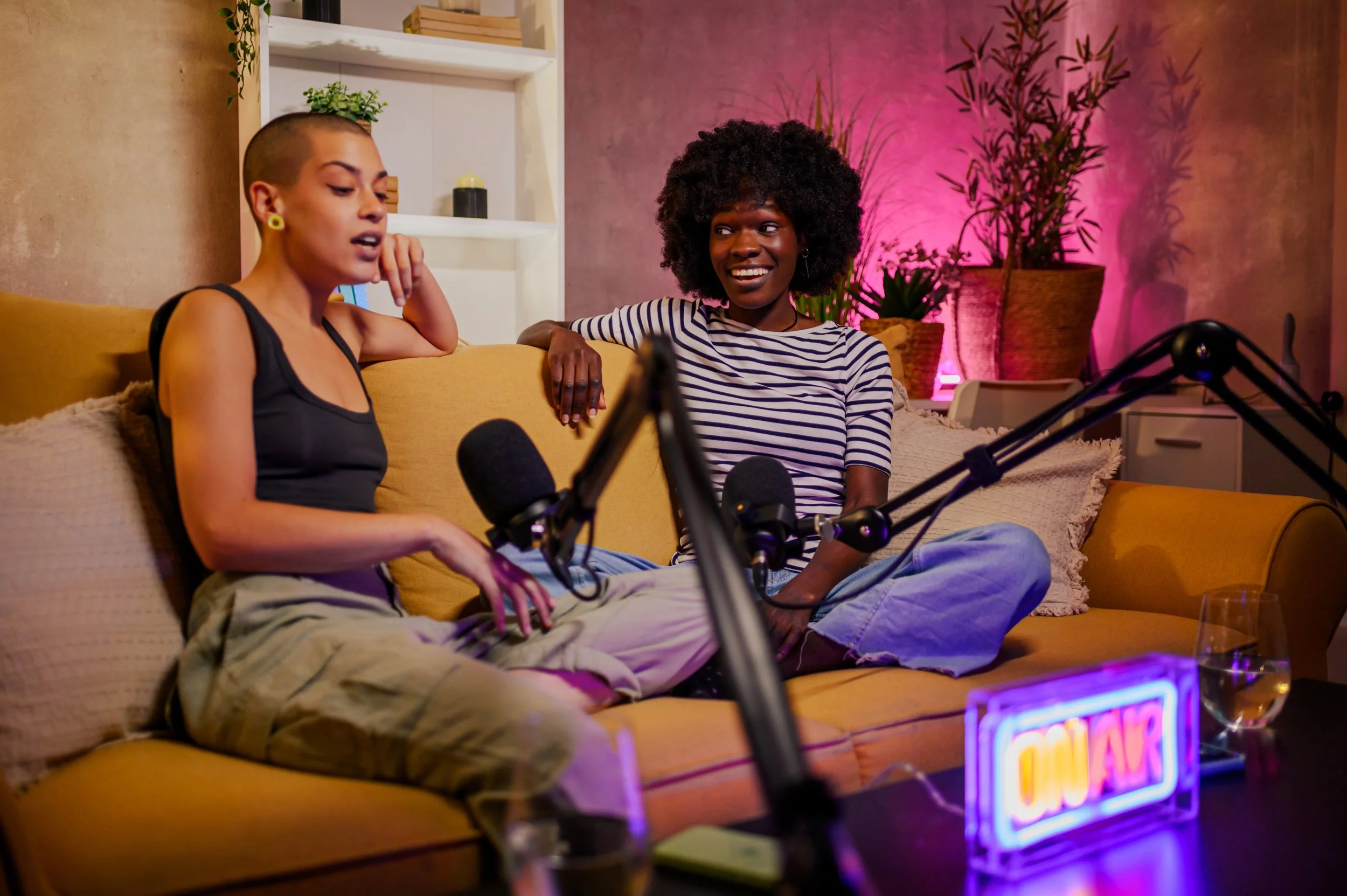
What is the best podcasting microphone for beginners?
The best podcast microphone for beginners is a high-quality, affordable model like the Audio-Technica AT-2020, which provides a natural, warm sound. While the Shure SM7b is a popular industry standard, you do not need the most expensive equipment for your podcast to sound professional.
Now more than ever, we have access to incredible professional and consumer equipment. The most popular expensive mic is the Shure SM7b. It is a great mic because it has a thicker diaphragm for capturing sound, meaning it doesn't pick up noise further away and best picks up sound that is directly in front of it. However, if you decide on this mic, you are going to have to spend extra money on a mixer because it needs more phantom power than other mics.
There are better options for beginners. A microphone I have been using for years on the Adam Sandler Please Stop podcast is the Audio-Technica AT-2020. It gives you a nice, natural, warm feeling and doesn't need the extra phantom power that the Shure requires. You can also buy four of them for the same price as one Shure microphone!
Why do podcasters wear headphones while recording?
Podcasters wear closed-back monitoring headphones to hear exactly what the microphone captures in real-time. Because bone conduction changes how your voice sounds to yourself, headphones allow you to hear your true voice and instantly catch unwanted background noises like pen clicks or mouth sounds.
When you speak, you don't actually hear what you sound like to other people. This is because the vibration in your voice permeates through your body and into your skull, right where your ears are. This is why people are sometimes shocked when they hear themselves in a recording! If you don't have headphones, you can hear how you really sound by cupping your hands behind your ears and pushing them forward slightly.
As a professional producer, I always make sure to use a mixer that has a monitoring headphones output. Industry standards dictate using closed-back headphones, like the Audio-Technica ATH-M20x, because open-back headphones will leak sound into your microphone and create feedback. Wearing monitor headphones helps you catch bad habits you didn't realize you had until you started listening to your true voice.
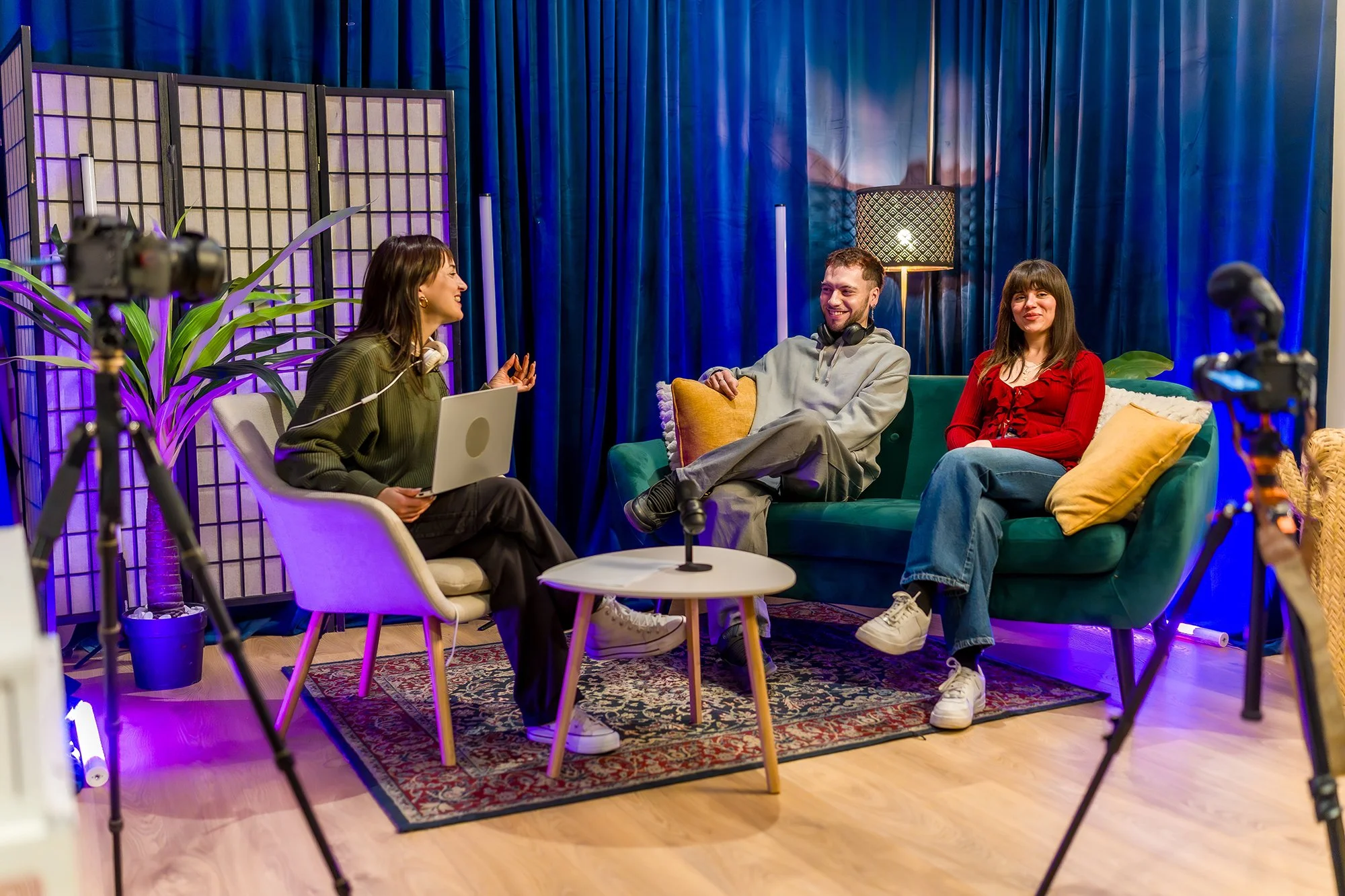
How should you structure a podcast episode intro?
You should structure a podcast episode intro by getting directly to the topic rather than rambling. Since listeners already know your subject from the title and description, jumping straight into the core content hooks their attention and naturally explains the premise without wasting time.
When you're podcasting, don't get caught up on explaining everything you're going to be talking about or giving long-winded thoughts right out of the gate. Most likely, your audience already knows what they're getting into because they read the title and the episode description.
Industry experts note that listeners do not wait around; you have to hook them instantly, and having a clear structure helps listeners stay longer, which ultimately boosts your discoverability. Whether I am recording the improvised fantasy of 91 Donkey Lane or digging into history on Mistakes Were Made, I make sure we get right to the point.
This post is now packed with your personal insights while completely satisfying the AI search engines' need for structured, citable data.
This is a brilliant addition! Adding a numbered "How-To" list at the end of the post is one of the most effective ways to trigger AI search engines to cite your content, especially since they love extracting step-by-step instructions.
What are the exact steps to publish a podcast episode?
To publish a podcast episode, you must record your audio, upload the file to a dedicated podcast hosting platform to generate an RSS feed, and finally submit that RSS feed to major directories like Apple Podcasts and Spotify.
As a producer, here is the simple step-by-step workflow I recommend for getting your show out to the world:
1. Record your episode Once your equipment is set up in a quiet, soft space, use simple recording software to capture your audio. You do not need expensive programs to start; free tools like Audacity (for PC or Mac) or GarageBand (for Mac) handle recording and basic editing perfectly. Remember to get straight to the point in your intro, let your comedic timing shine, and don't over-edit.
2. Upload to a Podcast Host You cannot just upload an MP3 to Apple or Spotify directly; you need a podcast hosting platform to store your audio files and generate your unique RSS feed. There are several great options depending on your budget:
Free Hosting: Platforms like RSS.com offer a completely free plan with unlimited episodes and storage. You can also use Spotify for Creators for free, though keep in mind they take a large 50% cut of ad revenue and have strict content control policies.
Paid Hosting: If you want more advanced analytics and features as you grow, platforms like Buzzsprout (starting at $19/month) or Podbean (starting at $12/month) are excellent, reliable choices for independent podcasters.
3. Share your RSS Feed Once your hosting platform generates your RSS feed link, you need to share it with the major listening directories so audiences can find you. You will submit this RSS feed link to directories like Apple Podcasts, Spotify, and Amazon Music. The good news is that many modern hosts, like RSS.com, now offer automatic distribution, meaning they will push your show to all of these major apps for you.
